Why we're migrating clients from WordPress to EmDash
For agency owners and SMB marketing leads watching their devs drown in plugin maintenance: here's why we moved off WordPress this year, and what we moved to.
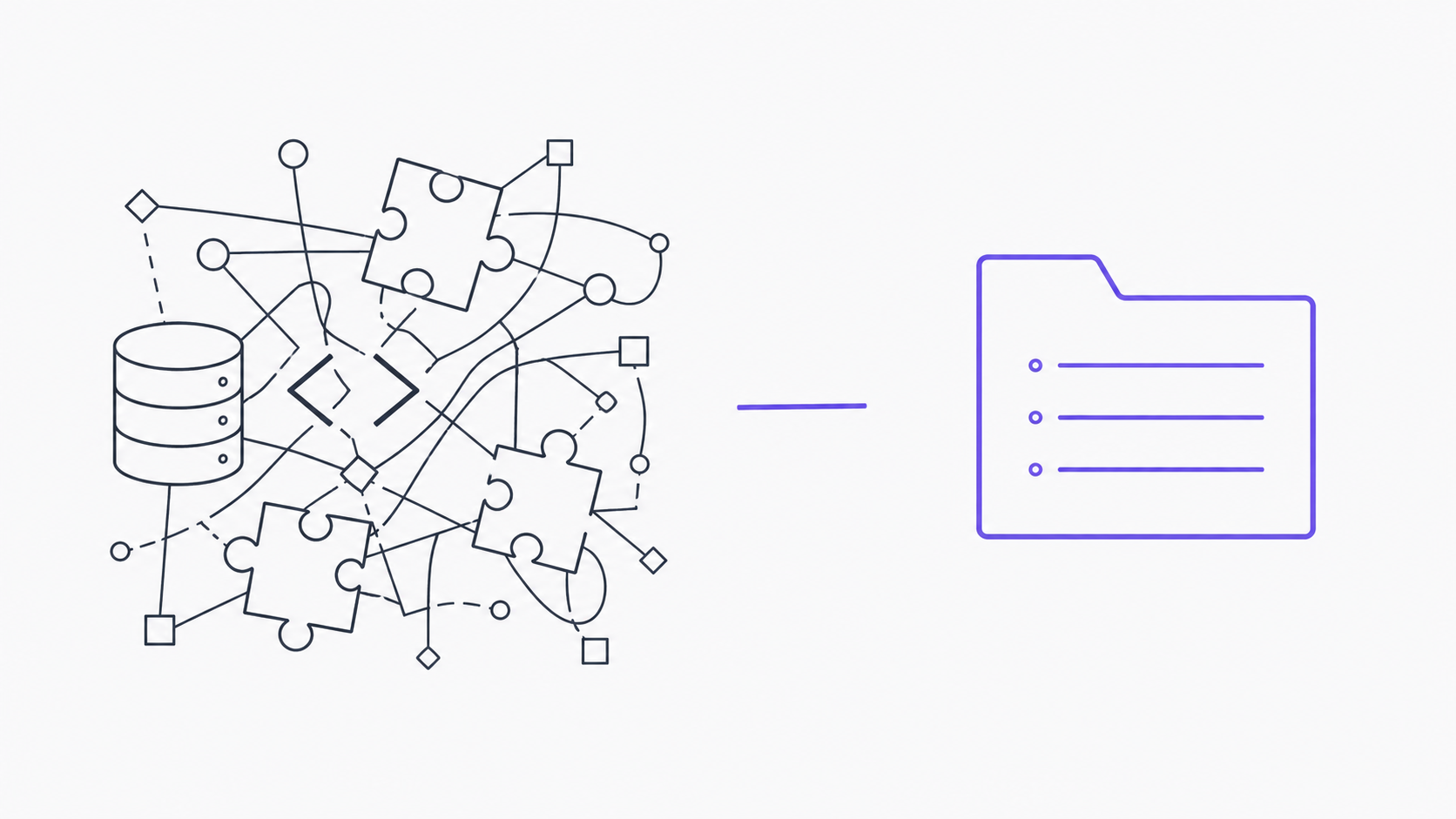
WordPress isn’t broken. It runs almost half the web for a reason — it’s flexible, it’s free, and there’s a plugin for everything. That last part used to be a feature. In 2026, with AI agents now sitting between your marketing team and your codebase, it’s becoming the problem.
This post is for agency owners running 5–50 client sites on WordPress, and for in-house marketing leads who keep filing tickets to change a hero subhead. If you want the side-by-side, see our WordPress vs EmDash comparison. We’ve been migrating clients off WordPress since Cloudflare announced EmDash on April 1, 2026, and the case is clearer every week. Here’s the honest version.
What is EmDash?
EmDash is an open-source, AI-native headless CMS released by Cloudflare on April 1, 2026 under the Apache 2.0 license. It’s designed for marketing sites that are edited primarily through AI agents like Claude rather than a human-facing WYSIWYG editor.
Four properties matter:
- Typed JSON content schemas. Every content type is a typed object — no serialized PHP, no shortcodes, no postmeta archaeology.
- Built-in MCP server. A Model Context Protocol server ships in the box, so Claude or Cursor can list content types, read entries, and write validated edits without custom integration glue.
- Sandboxed Worker plugins. Plugins run in Cloudflare Worker isolates with declared permissions, not as PHP files with full filesystem access.
- Open source, Apache 2.0. The code is on GitHub. Self-host on Cloudflare, Node, or Bun. No per-seat license, no telemetry, no enterprise gate.
For marketing teams the relevant change is: the CMS is structured for AI agents from the foundation up, instead of being a 2003-era PHP application with an AI plugin glued on the side.
What changed in 2026
Cloudflare shipped EmDash on April 1. Open source, Apache-licensed, runs on Cloudflare Workers (or Node, or anywhere with a JS runtime). Stack:
- TypeScript end-to-end, Astro 6 for the frontend.
- SQLite locally, Cloudflare D1 in production.
- R2 (or any S3-compatible storage) for media.
- Built-in MCP server — Claude and Cursor can talk to the CMS directly.
- Sandboxed Worker isolates for plugins, with explicit permissions.
- WordPress WXR import out of the box.
The interesting part isn’t any single feature. It’s that the whole thing is structured for AI agents from the foundation up. Content is typed JSON, not blob fields. The schema is introspectable. The CLI outputs JSON that LLMs can parse without hand-holding. There’s an MCP server in the box.
Compare that to a WordPress site running 30 plugins. The “schema” is whatever shape the page builder happens to serialize into a wp_postmeta row this week. Side effects live in functions.php, in mu-plugins, in Code Snippets, in the database options table. AI agents don’t reason about that. Neither do most senior devs after a year away from the code.
What’s the WordPress problem in the AI era?
WordPress’s strengths are also why it doesn’t survive contact with AI editing.
No standardized structure
Every WordPress site is a custom stack. A theme, 20–50 plugins, sometimes a page builder (Elementor, Beaver, Bricks, Divi), sometimes ACF, sometimes Gutenberg blocks. Two sites with the same purpose share almost no structure. Claude can’t write a “WordPress edit script” — it has to learn each site from scratch.
Page builders fragment content
Page-builder content is serialized PHP, shortcodes, postmeta JSON, sometimes all three on the same page. Naive find-and-replace breaks length-prefixed serialized strings and silently corrupts the database.
// What "the hero headline" actually looks like in `wp_postmeta`:
a:3:{s:8:"headline";s:42:"Migrate WordPress to EmDash, the right way";s:8:"subhead"...
You can’t teach an AI to safely edit that. You can teach it to safely edit a typed JSON object.
Plugin interdependencies are runtime-only
Plugins call hooks and filters at runtime. Whether they collide is only knowable when the page renders. Update one plugin, break the form on the contact page, find out from the customer who emailed.
Hosting variability
The same plugin behaves differently on WP Engine vs Kinsta vs a shared cPanel host. Caching layers — sometimes three of them — hide the truth during debugging.
What headless WP doesn’t fix
We’ve tried headless WordPress on a few clients. It fixes the frontend delivery layer — you get to use Next or Astro for the rendered site — but the backend is still WordPress. Plugin chaos still happens. Marketers still need to learn WordPress’s editor. You now maintain two stacks instead of one. Partial AI win, full operational tax.
The pitch for headless WP is “WordPress as the API, modern frontend on top.” That sounds clean until you look at what the API actually returns. The underlying schema is still ACF field groups, Gutenberg block JSON, sometimes a page-builder’s serialized output, sometimes all three on the same post. An AI agent hitting /wp-json/wp/v2/pages/42 gets back the same chaos in JSON wrapping. The fields aren’t typed in any meaningful way — acf.hero_section might be an object, an empty string, or false depending on whether someone toggled a conditional last Tuesday. Claude can fetch the data. Claude can’t reason about what fields should exist for a marketing site, because no two WordPress sites agree on that.
The other thing headless WP doesn’t fix is the editor surface. Marketers still log into /wp-admin. They still wrestle with Gutenberg blocks that may or may not match the rendered output (the headless frontend rarely renders Gutenberg’s preview faithfully). They still need to remember that the “Services” page is built with Elementor but the “About” page is Gutenberg, because that’s how the site was built in 2021. The 60,000+ plugins in the WordPress ecosystem are still the same plugins, with the same hook system, the same functions.php side-effect surface, and the same monthly security-patch treadmill. Decoupling the frontend doesn’t subtract any of that — it adds a Node build pipeline on top of it. Headless WP is “frontend faster, content the same chaos.” If the goal is a marketing team that can ship copy through Claude, the backend is where the work has to happen. For teams weighing whether the alternative is actually production-ready, our six-week evaluator review covers that question in detail.
We don’t recommend headless WP as a long-term answer for new builds. For an existing big site that can’t be migrated in one go, it’s a reasonable bridge. And for some teams the answer isn’t EmDash at all — see when to rebuild a static site instead if your current site is already a Hugo or Eleventy build and you’re wondering whether the migration is worth the lift.
What does EmDash actually solve?
EmDash’s design choices map almost one-to-one to WordPress’s AI problems. The full feature-by-feature breakdown lives in the WordPress vs EmDash comparison — what matters in this post is the three changes that show up on a daily basis.
Typed content over blob fields
When a marketer says “make the headline shorter and add a screenshot under the second feature,” Claude can do that on EmDash because the Hero, FeatureGrid, and Image content types are typed objects with known fields. On WordPress, Claude has to guess which page builder you’re using, which plugin renders which section, and which postmeta row holds which string.
MCP-native, not MCP-compatible
You can hook MCP up to almost anything with enough effort. EmDash ships with an MCP server that knows the schema. Claude can list content types, read entries, validate edits, and write back without any of you writing the integration glue.
// What EmDash exposes to Claude via MCP — typed, schema-driven.
const heroes = await mcp.list({ contentType: 'hero' });
await mcp.update('hero', heroes[0].id, {
  headline: 'Faster sites, less developer dependency',
  subhead: 'Done-for-you migrations from WordPress to Astro + EmDash.',
});
Sandboxed Worker plugins
EmDash plugins run in Cloudflare Worker isolates with declared permissions. A misbehaving plugin can’t take down the site or read fields it wasn’t given access to. The “one plugin update broke everything” failure mode goes away by construction.
The migration playbook (in four weeks)
Most marketing sites we touch are 20–80 pages and migrate in four weeks. The shape of the work:
Week 1 — audit. Catalog every page, post, custom field, shortcode, embedded form. We write a content-map document the client signs off on. We name what migrates as-is, what gets cut, what gets rebuilt.
Week 2 — model. Translate the audit into typed EmDash content schemas and Astro components. The marketing team sees preview URLs by end of week.
Week 3 — migrate. WordPress WXR export, content move, redirect map for any URL changes. Link audit. Schema.org and meta-tag preservation. Lighthouse + axe gates passing on every preview build.
Week 4 — cut over and train. DNS flip, 30-minute Claude/MCP training session for the marketing team, 30-day support window opens. The team does their first real edit before we leave.
That’s not magic — it’s the same playbook agencies have used for any CMS migration for 15 years. What’s different in 2026 is that the destination stack happens to be the first one a marketing team can update through Claude without learning a new editor.
FAQ
Is EmDash production-ready in April 2026?
It’s v0.1.0 and six weeks old, so “production-ready” depends on your risk tolerance. The core works, the WXR import is solid, and the Worker plugin sandbox is the genuine architectural advance (Cloudflare blog, 2026). Our internal estimate is a 30–40% chance EmDash becomes meaningfully adopted in 18 months. We ship clients on it because the underlying Astro work is portable.
Can my marketing team really edit the site through Claude?
Yes, that’s the point. EmDash ships an MCP server in the box, and MCP is the standard that lets Claude talk to typed external systems (MCP spec, 2026). Your team writes “shorten the headline and add a screenshot under the second feature” in Claude, and it executes against the typed Hero and FeatureGrid content types. No WordPress editor, no shortcode hunting, no praying.
What happens if EmDash fails to take off?
You still own the site. The frontend is a normal Astro project — components, pages, content collections, all in your git repo and documented in the Astro docs (Astro docs, 2026). Migrating from EmDash to Sanity, Payload, or Decap is a few weeks of work, not a rebuild. We design every migration with that exit in mind. The structure is the asset.
Is EmDash actually free?
Yes, Apache 2.0 licensed and open source. The code is public on GitHub (EmDash GitHub, 2026). You pay for hosting (Cloudflare Workers + D1 + R2, typically $0–20/month for a marketing site) and any commercial plugins or themes you choose to buy. There’s no per-seat license, no enterprise tier gate, no telemetry phone-home. Self-host if you want.
Do I need to host on Cloudflare?
Technically no — EmDash runs anywhere with a JS runtime, including Node and Bun. Practically yes, for now. The reference deployment uses Cloudflare Workers (Cloudflare Workers docs, 2026), D1, and R2, and that’s where the plugin sandboxing model is most battle-tested. Other targets work but have rough edges. We deploy every client on Cloudflare and revisit in 12 months.
Who shouldn’t migrate
The honest part of this post.
E-commerce stores running WooCommerce. EmDash isn’t an e-commerce platform yet. Stay on Woo or move to Shopify. Don’t even ask us — we’ll tell you the same thing on the intro call.
Sites with deep membership/paywall integrations. WordPress’s auth and membership plugin ecosystem (MemberPress, Restrict Content Pro, etc.) is a long way ahead of anything EmDash has. Migrate the marketing site, leave the gated content where it is.
Anyone who already has a working AI workflow. If your team is shipping copy changes happily on WordPress with a custom Cursor/Claude setup, don’t break what works. We’ll happily do a 30-minute audit call and tell you to keep what you have — or point you at the vibecoding marketing site post for the greenfield-build version of the same argument.
Sites that depend on a specific plugin nothing else replicates. There’s no equivalent of, say, FacetWP or LearnDash on EmDash yet. Custom-build is sometimes possible; sometimes the answer is “stay on WordPress for now.”
We charge a flat fee for the intro call’s scoping output regardless of whether you sign with us, so the math is honest on both sides.
What does this stack cost to run?
A migrated site running on Cloudflare Pages + EmDash on Workers + R2 typically costs $0–20/month in hosting for the kind of marketing site we work on. Compare that to the $30–80/month a WordPress site usually pays for hosting (managed WP host) plus another $20–60/month for plugin licenses (security plugin, backup plugin, page builder, ACF Pro, etc.). Our migrations pay for themselves in hosting savings inside 24 months on a typical SMB site, before counting the productivity gain on the marketing team.
What we’re betting on (and what we’re hedged on)
EmDash is six weeks old at the time of writing. Our internal estimate is a 30–40% chance it becomes a meaningfully adopted CMS in the next 18 months. That’s not a high enough number to bet a client’s site on the platform alone — so we don’t.
What makes the migration safe is that the work is portable. Astro components and structured content move cleanly to Sanity, Payload, or Decap with a few weeks of work. We rebuild your site with the assumption that EmDash might fail to take off and you might need to swap CMSes in two years. The structure is the asset; the CMS underneath is a swappable component.
That portability is also why we don’t sell “EmDash migrations” — we sell “migrate off WordPress, end up somewhere your team can edit through Claude, with the structure portable enough to move again if we have to.” EmDash is the current best target for that, but the work survives if it isn’t.
The next post
The next cornerstone post is a hands-on walkthrough — the four-week WordPress→Astro+EmDash migration playbook, step by step, with the actual wrangler.toml, the redirect-map template, and the Search Console checks we run on cutover. If you’d rather skip the reading and just talk, the intro call is below.
If you’re an agency owner deciding whether to learn EmDash or wait it out, the answer for us was: learn it now, ship one client on it, and reassess in 90 days. We’re three clients in. None has asked to go back.
Keep reading
Static site to EmDash: when to skip the migration and just rebuild
For the marketing lead at a small SaaS whose 30-page hand-coded HTML site has become a dev bottleneck: when migrating to a CMS makes sense, when starting fresh on EmDash + Astro is faster, and the surprisingly common third option — leave it alone.
How to migrate a WordPress site to Astro + EmDash (a four-week playbook)
For developers and agencies running 20—80-page WordPress marketing sites – the exact four-week sequence we use, with the audit checklist, the redirect template, and the Search Console checks.
Six weeks evaluating EmDash before betting on production
For the agency owner who's read all the EmDash hype and wants the boring version: what we measured across six weeks of building, evaluating, and pitching EmDash work — before any client site went live. The bugs, the gaps, the things we'd wait on, and the things that already work.